The 8-track tape machine your Mac always wanted to be.
A digital Portastudio. Real tape workflow: punch in, bounce down, ping-pong to 7-8. No save dialogs, no sessions, no plugins. Just commit and play.

● macOS 14+ · works with any Core Audio interface
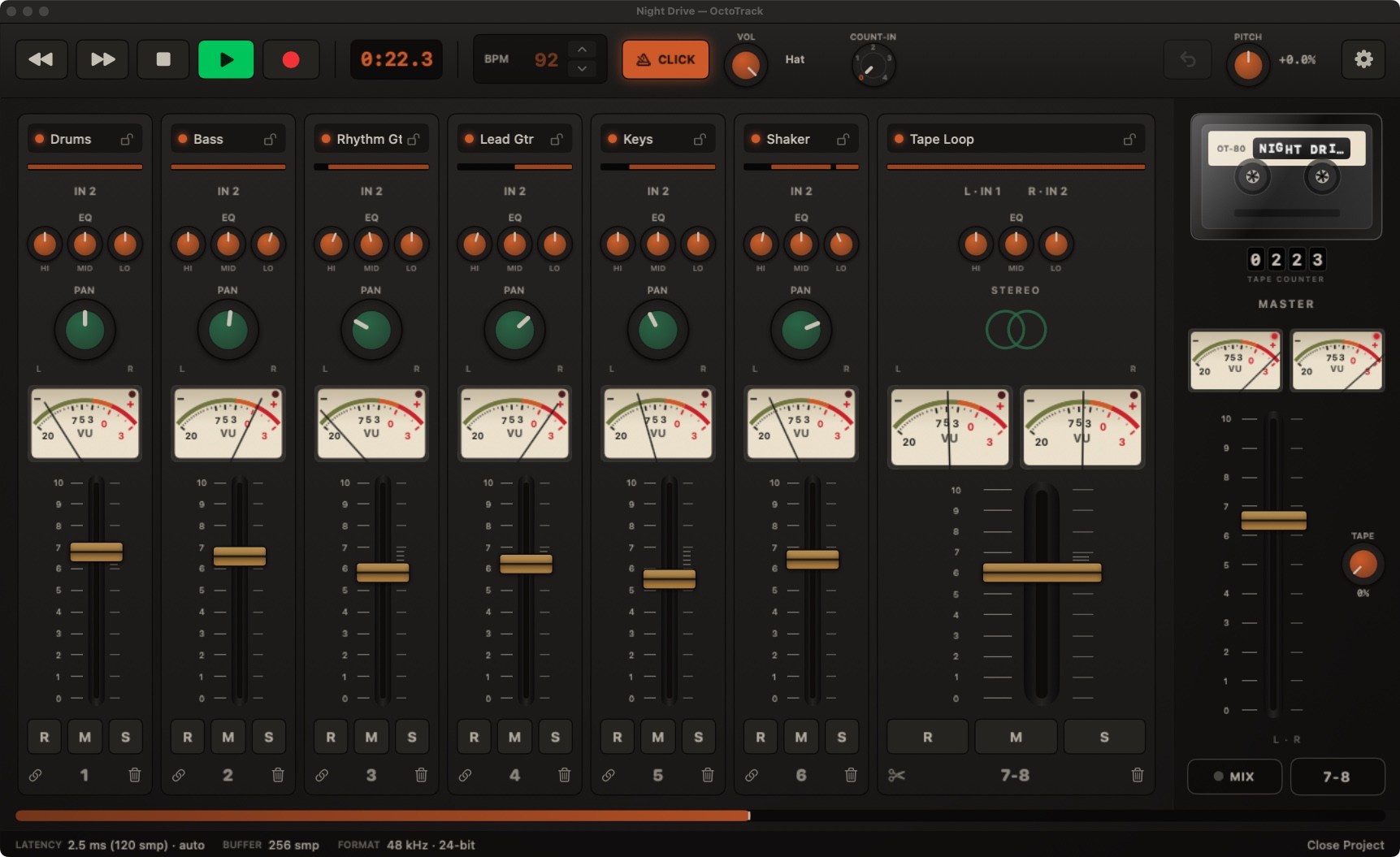
Remember how records got made on a 4-track? You armed a track, hit RECORD, and committed. OctoTrack brings that way of working back: recording is destructive, on purpose. When you record over something, it’s gone, so every take counts.
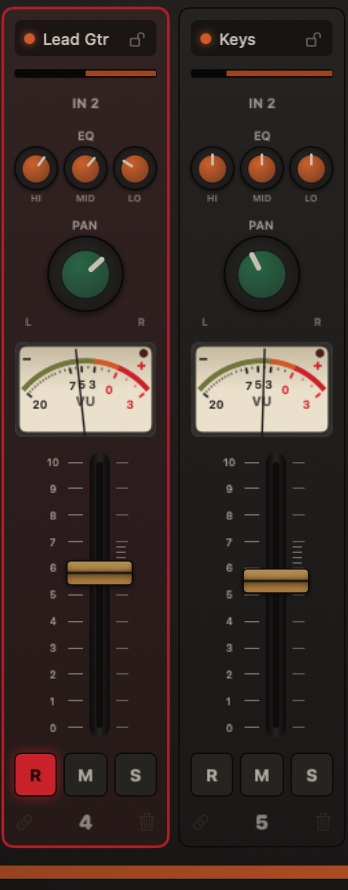
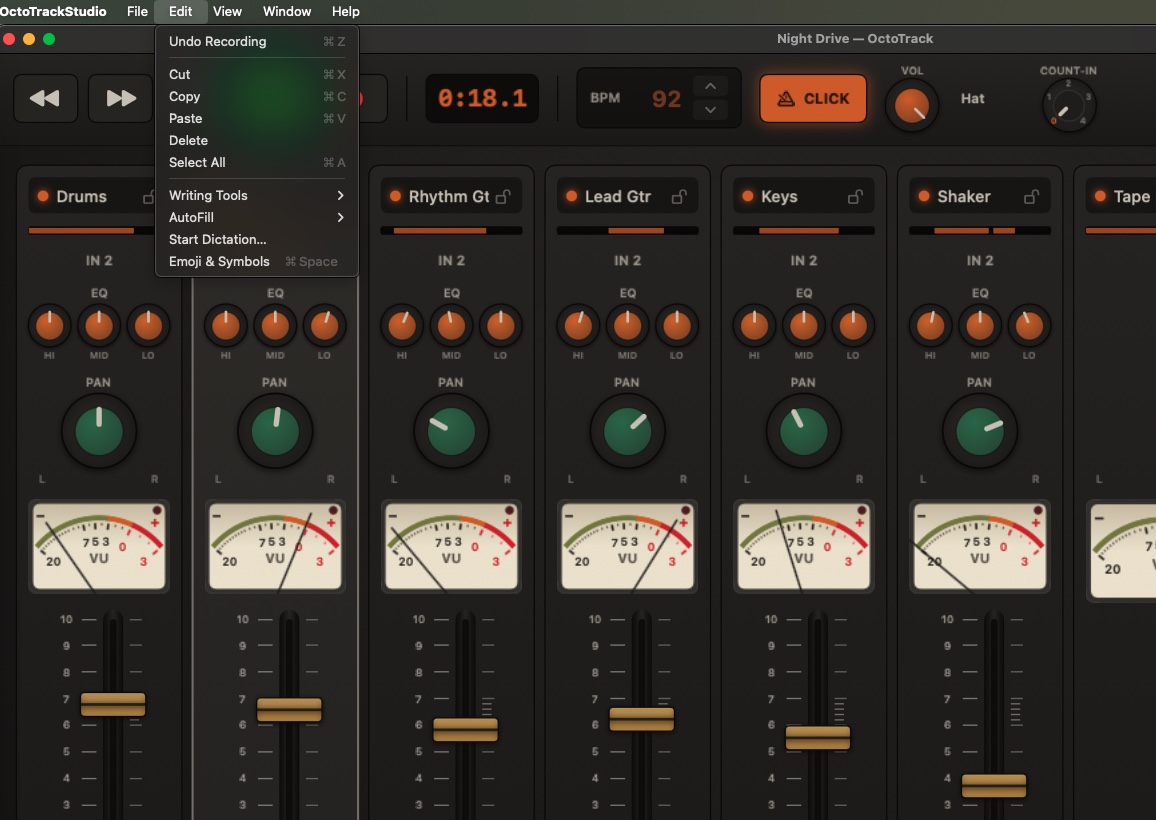
Faders, EQ and pan stay exactly where your hand left them, like a real console. There is nothing to save, because everything is already on tape. No dirty-document dot. No “Save changes?” dialog. No ⌘S: the tape remembers.
One level of take undo (⌘Z) flips the last recorded track between the new take and the one before it: audition both, even while playing, and keep the winner.
And Revert to Opened rolls the whole project, audio and mix, back to the moment you sat down, in case the session went somewhere the song didn’t. That’s the entire safety net. It’s enough.
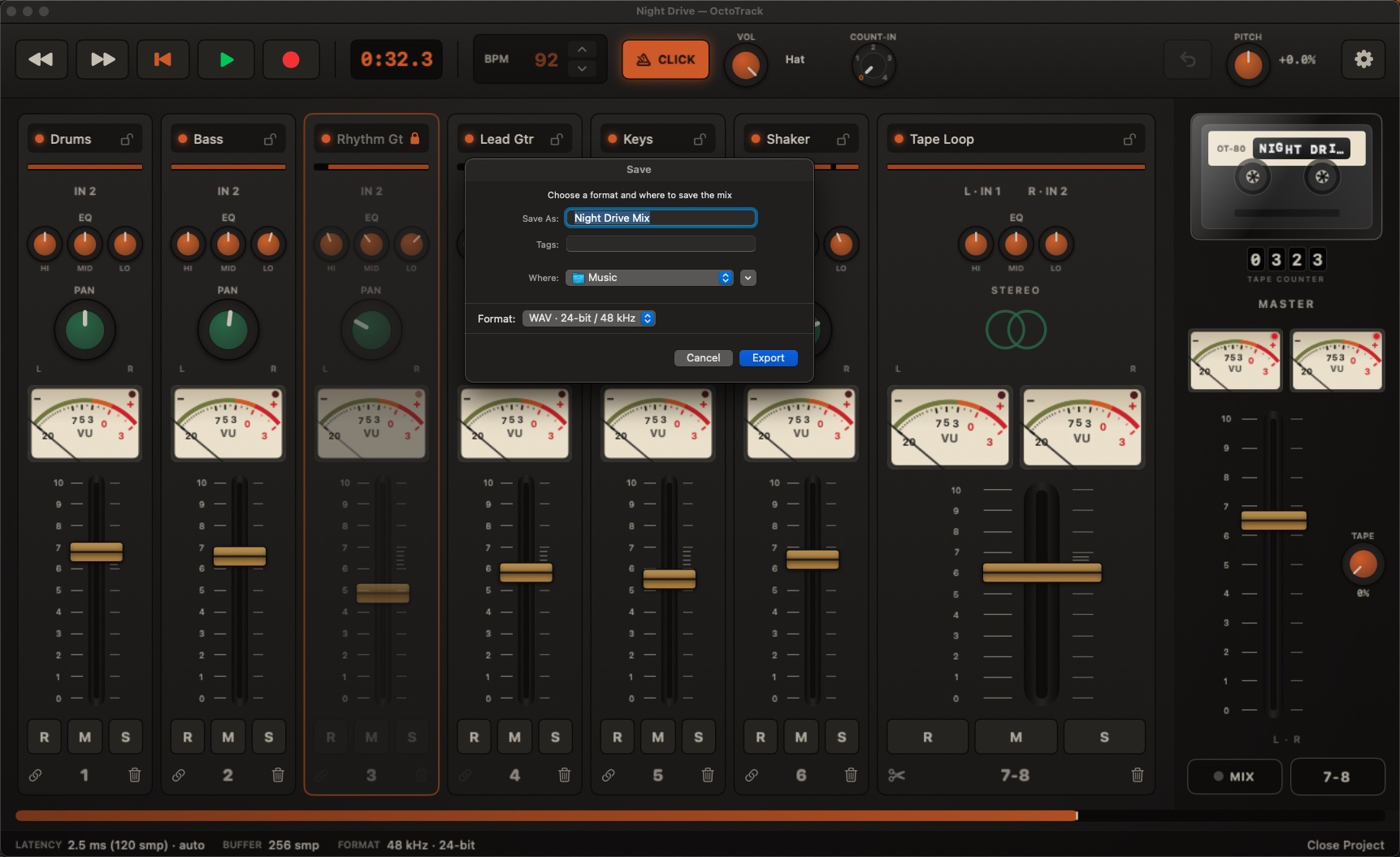
Export your mix to a 24-bit WAV or AAC file, faster than real time (⌘E), or record a performance mix live (⌘⇧E), riding the faders while it prints.
Once bounced, the mix is eternal: the file never changes, no matter what you do to the tape afterwards. Your guide click never leaks into a bounce.
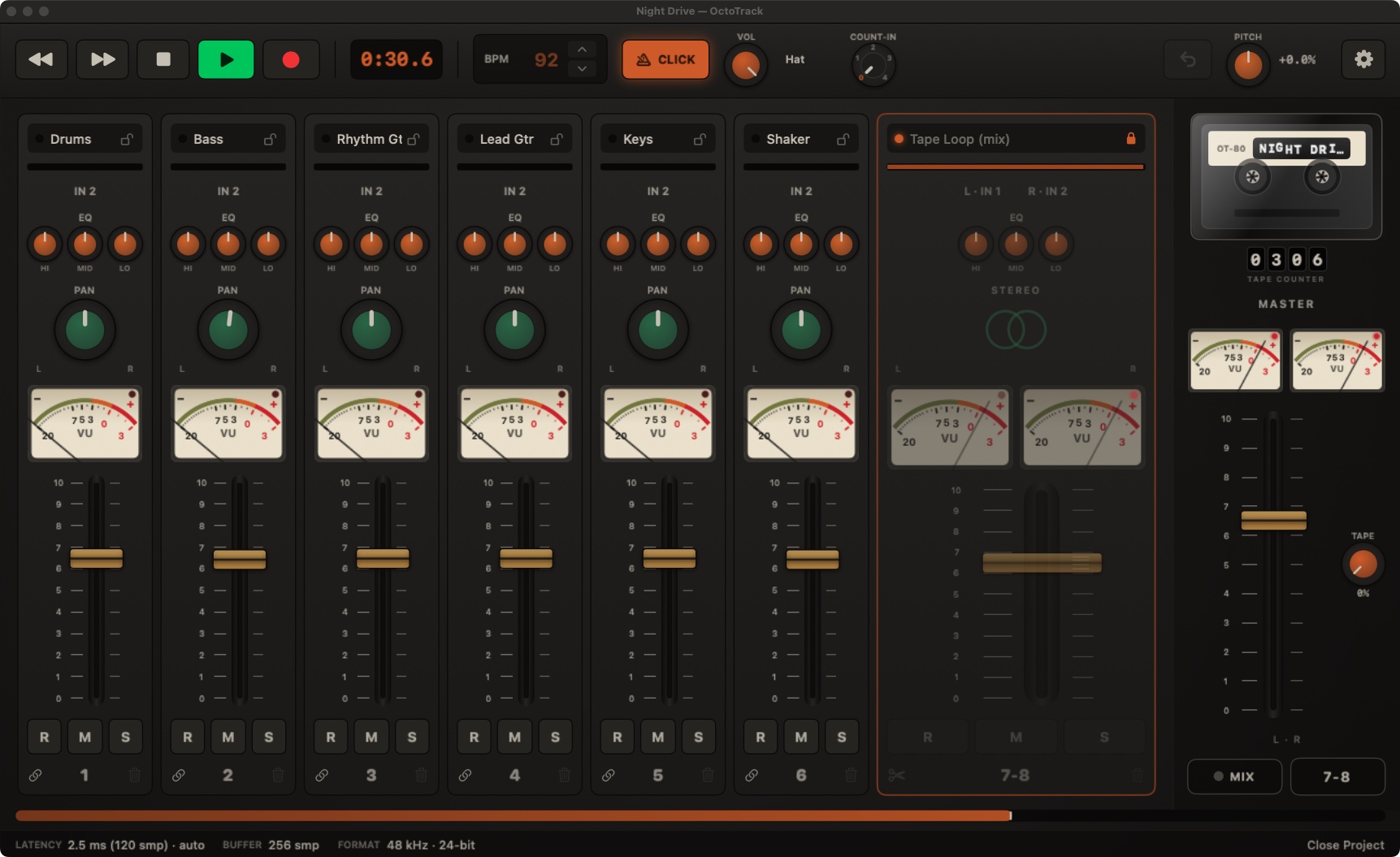
The sacred 4-track move: bounce tracks 1–8 down to the 7-8 pair (⌘B) and free six tracks for new parts. The pair comes back as one wide stereo strip, locked against accidents, because the mix is already printed in the audio.
On real tape, every generation added noise. Here the tape is digital: ping-pong as many generations as the song needs. Nothing degrades, not even the TAPE knob prints on a ping-pong. Bounces stay clean, always.
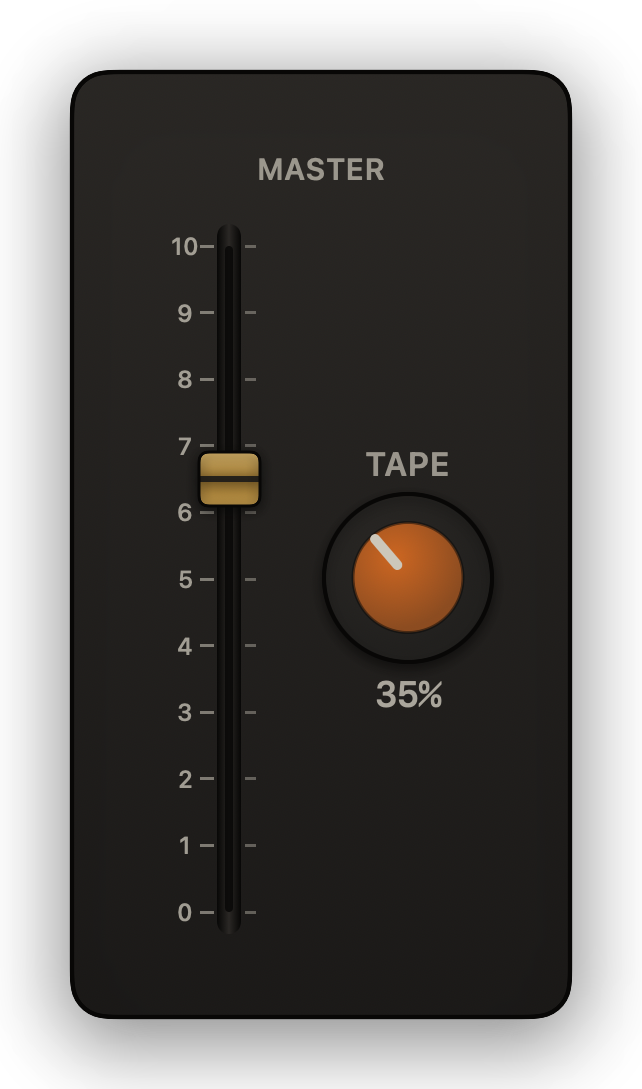
One amber TAPE knob next to the master fader adds gentle tape saturation to the whole mix: at working level the sound passes nearly clean, and the character shows up on the peaks, highs first, the way real tape rounds a hot signal. You hear it while you play, and it prints on your exports. At zero, the path is bit-exact dry. That’s the entire effects department, and it’s the tape’s: the console stays dry.
The metronome speaks six voices, beep, sticks, hi-hat, cowbell, woodblock and side-stick, all synthesized inside the machine, all staying out of your bounces. Set a count-in and RECORD gives you up to four clicks before the tape rolls, so you start on the one.
And when a song needs the click printed, a scratch tempo track to build on, Print Click to Track puts it on any track you choose, as an ordinary take. On purpose is the only way the click ever reaches tape.
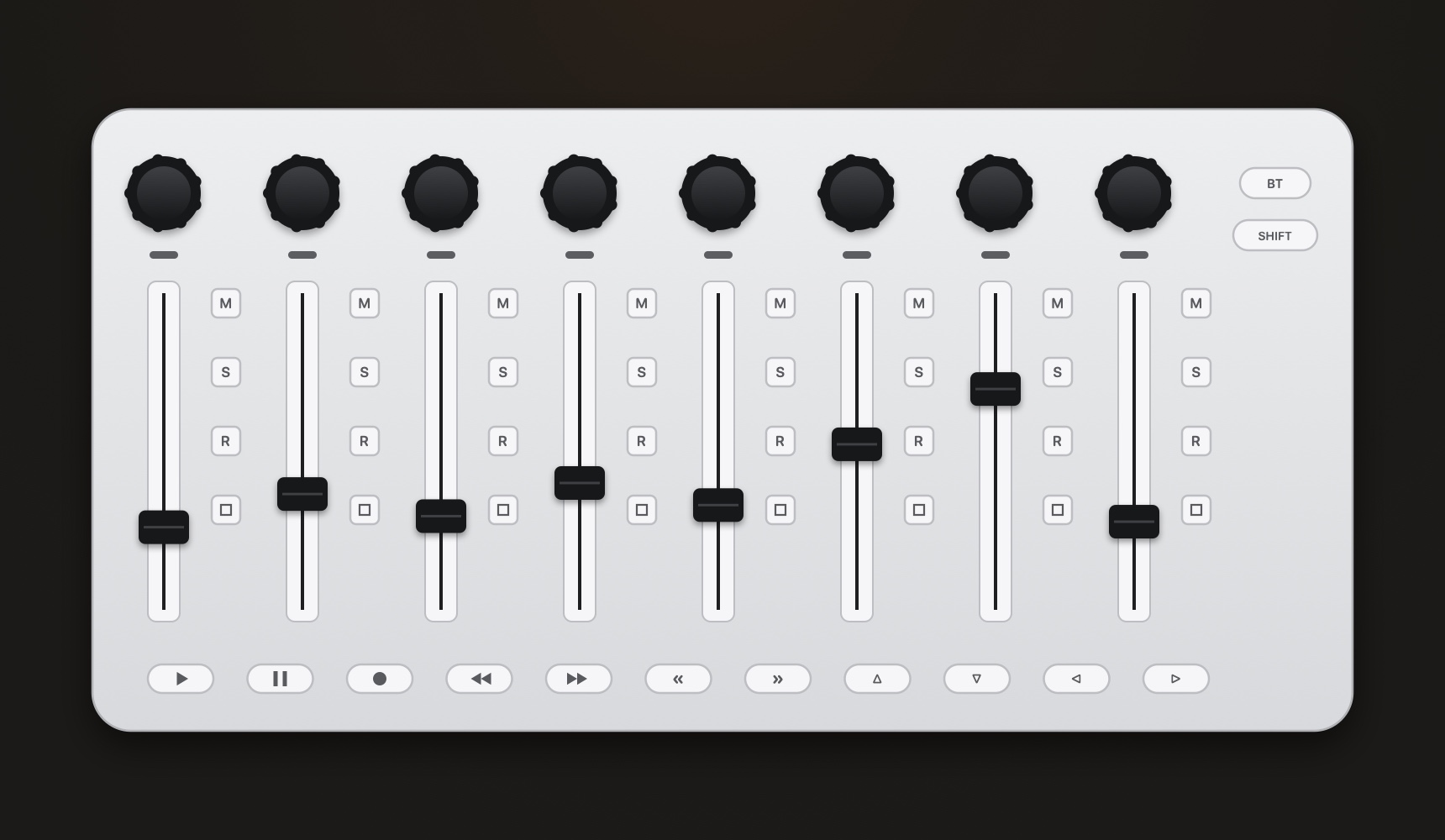
Plug in a Mackie Control (MCU-mode) surface and it just works: faders, mute/solo/arm, SELECT, pan and transport, with LED feedback. No setup, no mapping, hot-plug included. SELECT puts a channel in your hand, the strip lights up on screen and the M, S and A keys follow it, and holding REW/FF shuttles the playhead. The app even echoes fader positions back to motorized surfaces.
There is no timeline editing, no automation, no plugins or effect racks, no unlimited undo. The console is dry by choice: EQ, pan and level; your sound comes from the source, the way a Portastudio always made you commit to it.
If you need the rest, you already have it somewhere else. OctoTrack is for the moment you want to stop arranging regions and start playing music.
Your interface is switched automatically. You never open Audio MIDI Setup.
Seamless splices, from the keyboard or from the control surface.
The PITCH control even prints on export. Chipmunk solos included.
Gentle tape saturation on the whole mix. Prints on exports, never on a ping-pong.
Real VU meters, 0 VU = −18 dBFS, on every single track.
Import a stereo file and mix it as one wide channel.
Six click sounds and a 1–4 click count-in, and it never leaks into your bounce. Print Click to Track when you want it on tape.
Import any audio file your Mac can read. Export WAV 24-bit or AAC.
Share the whole project as a single .octotape file. Takes, mix and locks travel together.
Print the tape-box paperwork for your mix as a PDF.
Plug-and-play, with LED feedback and motorized fader echo.
Any footswitch that types a key can drive the R shortcut.
Freeze a finished track completely, with one click.
Every corner of the app covered, right there in the Help menu.
No analytics, no accounts, no network calls. OctoTrack collects nothing, because there is nothing in it that could.
No analytics, no telemetry, no accounts, no crash reporting service. Nothing is gathered about you or your music.
The app makes none. Nothing is uploaded, nothing is fetched, nothing phones home.
Recordings live as ordinary WAV files in a project folder under ~/Music. Yours, always.
The mic permission records the input you chose onto your own disk. Nothing is transmitted anywhere.
The whole thing, and it really is only a few sentences: read the privacy policy.
Download is free and everything works for 14 days. After that, a single $19.99 in-app purchase unlocks it forever. One payment, no subscription, no accounts.
Because a tape machine has one tape speed. OctoTrack runs everything at 48 kHz and switches your interface automatically: you never open Audio MIDI Setup, and every project sounds the same everywhere. Files at other rates are converted on import.
Download is free and everything works for 14 days. After that, a single $19.99 in-app purchase unlocks it forever. One payment, no subscription, no accounts.
Import: any audio file your Mac can read. Mono lands on one track, stereo on a pair. Export: WAV 24-bit / 48 kHz or AAC. Recordings live as plain WAV files in a project folder under ~/Music, yours, always.
Really destructive, and that’s the instrument. You get one level of take undo to flip between the new take and the previous one, and Revert to Opened to roll the whole session back to where it started. Beyond that: commit.
Any surface that speaks Mackie Control (MCU mode). Faders, REC/MUTE/SOLO, SELECT (track focus), pan V-Pots, cursor keys and transport are mapped, hold REW/FF to shuttle, with LED and motorized-fader feedback.
You write to me and I answer. There is a support form right below that lands straight in my inbox, and the person reading it is the person who wrote the app. No account and no ticket number.
No. Nothing. No analytics, no accounts, no network calls. Your recordings never leave your Mac. There is a privacy policy, and it is all of three sentences long.
OctoTrack Studio is written by one person, and that same person reads the mail. No account, no ticket number, no newsletter, and no robot answering first. If it is a bug, tell me what you did and what the app did instead, and I will get on it.
Every message is read by the person who wrote the app, and answered as quickly as I can. No account, no ticket system, no newsletter.